Install guide · Part 4 of 6

Install day

Test on the ground, mount the controller, run the eaves and peaks, then check everything before you leave.

On the ground

Before you climb

Ten minutes here saves taking a track back down.

  1. Set up the controller

    Plug it in on the bench and open Installer setup in the app. No account needed.

  2. Test the lights

    Chain the strings for a run and use Test the strips: RED, GREEN, BLUE and WHITE. A bad light is easier to spot down here.

  3. Mark the feeds

    From your plan or the calculator, mark every 75th light for a tee or new channel (power).

  4. Label the cables

    Tape both ends of every 25′ cable: CH1, CH2… for data, PWR1… for injection. It makes the controller end easy.

Putting it together

The install, step by step

Controller first, then each run from the far end back. Test on the ground before anything goes up.
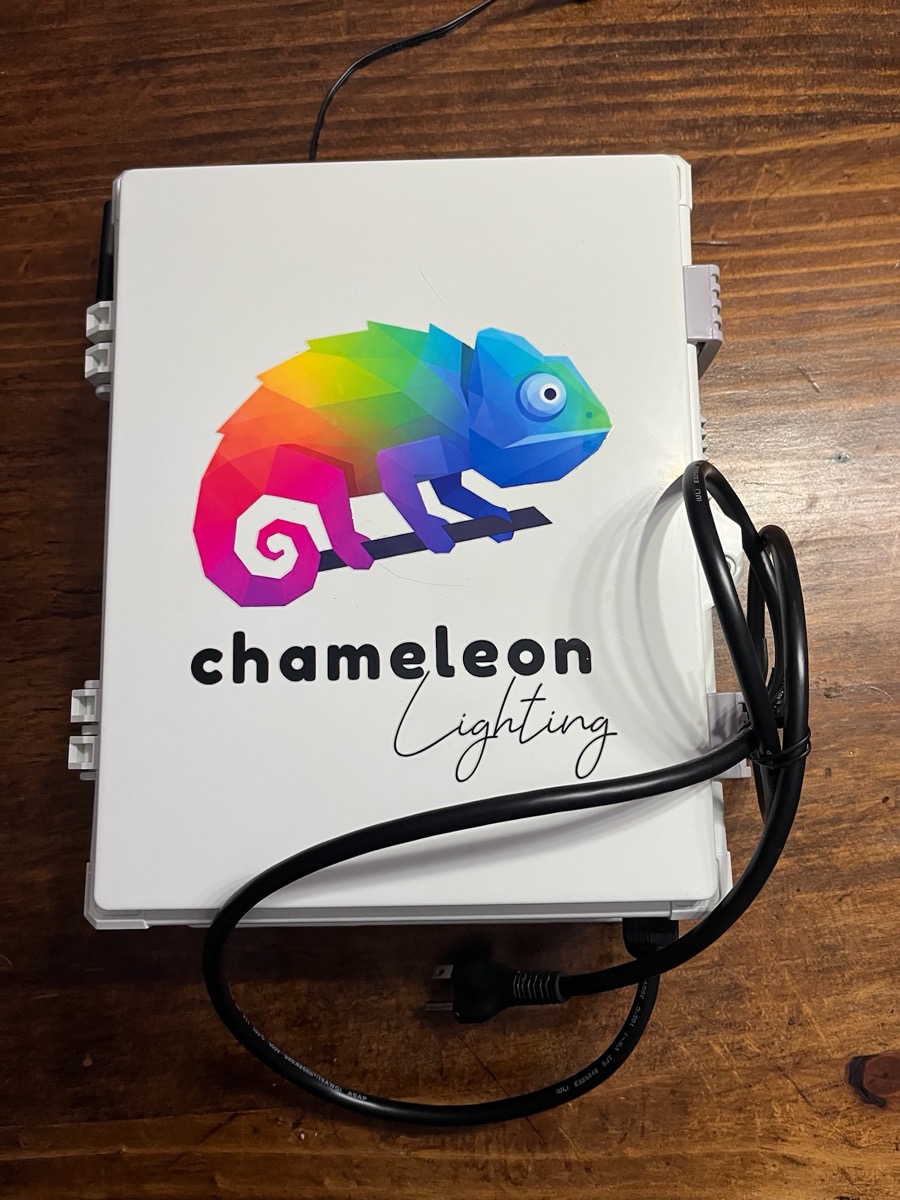
The white Chameleon controller box with its power cord.
A · Always first

The controller, in the garage

  1. Start in the garage, near a power outlet.
  2. Mount the controller box to the wall — into a stud if you can.
  3. Plug the controller in.
  4. Drill a 5/8″ hole straight above it into the attic, using a stud finder to miss the trusses. Every cable comes down through it.
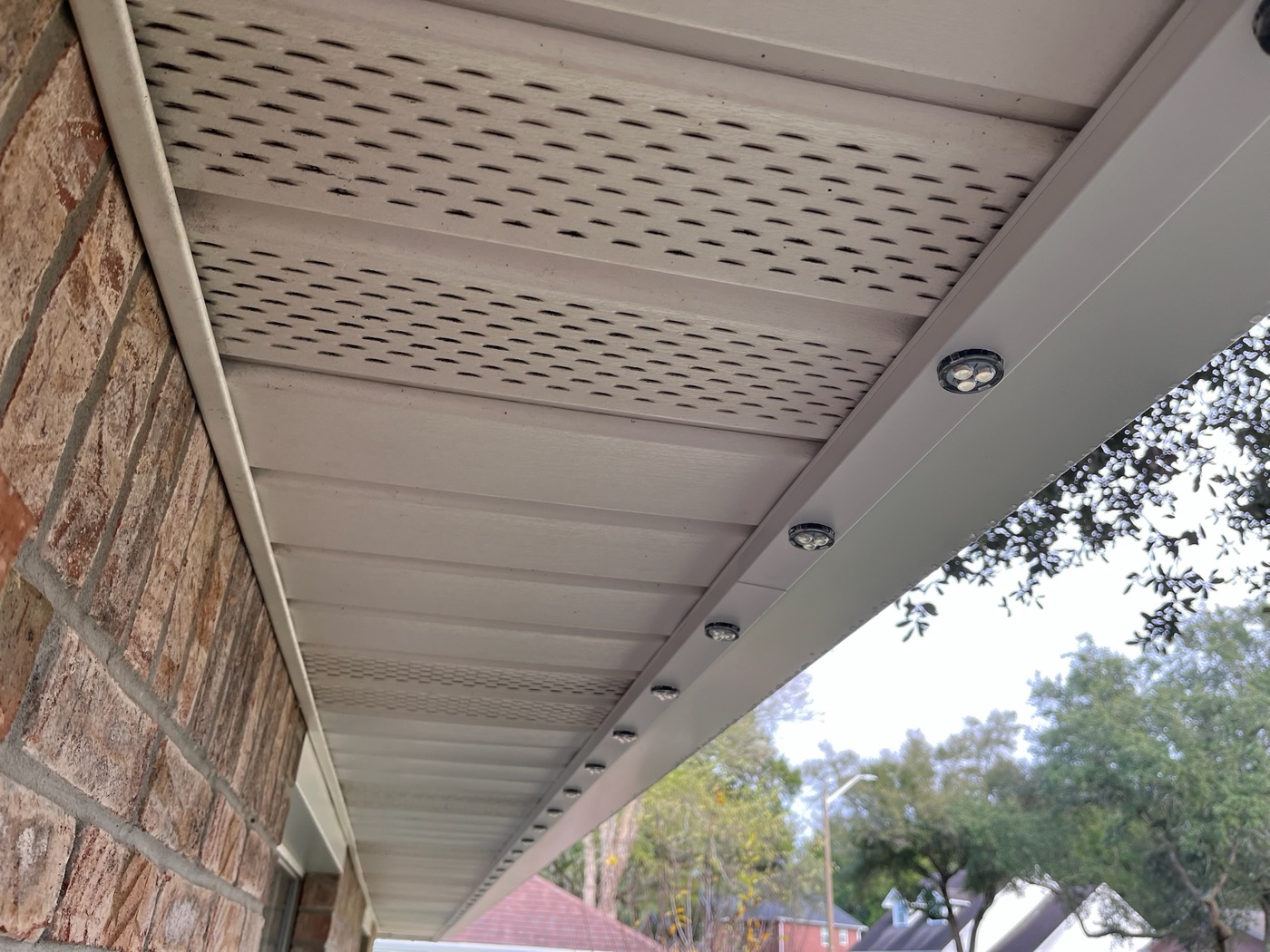
A finished eave run by day: track and puck lights under the soffit, with no wires or screws showing.
B · Eaves

A straight shot along the eaves

  1. Drill a 5/8″ hole in the eave at the far right or left of the run, where the track will be.
  2. Fish the male end of a 25′ cable into the attic (routing).
  3. Run it back to a controller channel — up to four 25′ cables, 100 ft max.
  4. Mount the backtracks and snap on the tracks down the run (mounting), connecting each track’s lights to the last.
  5. At the end, cut the track, fill with single pucks, plug the last connector and add end caps.
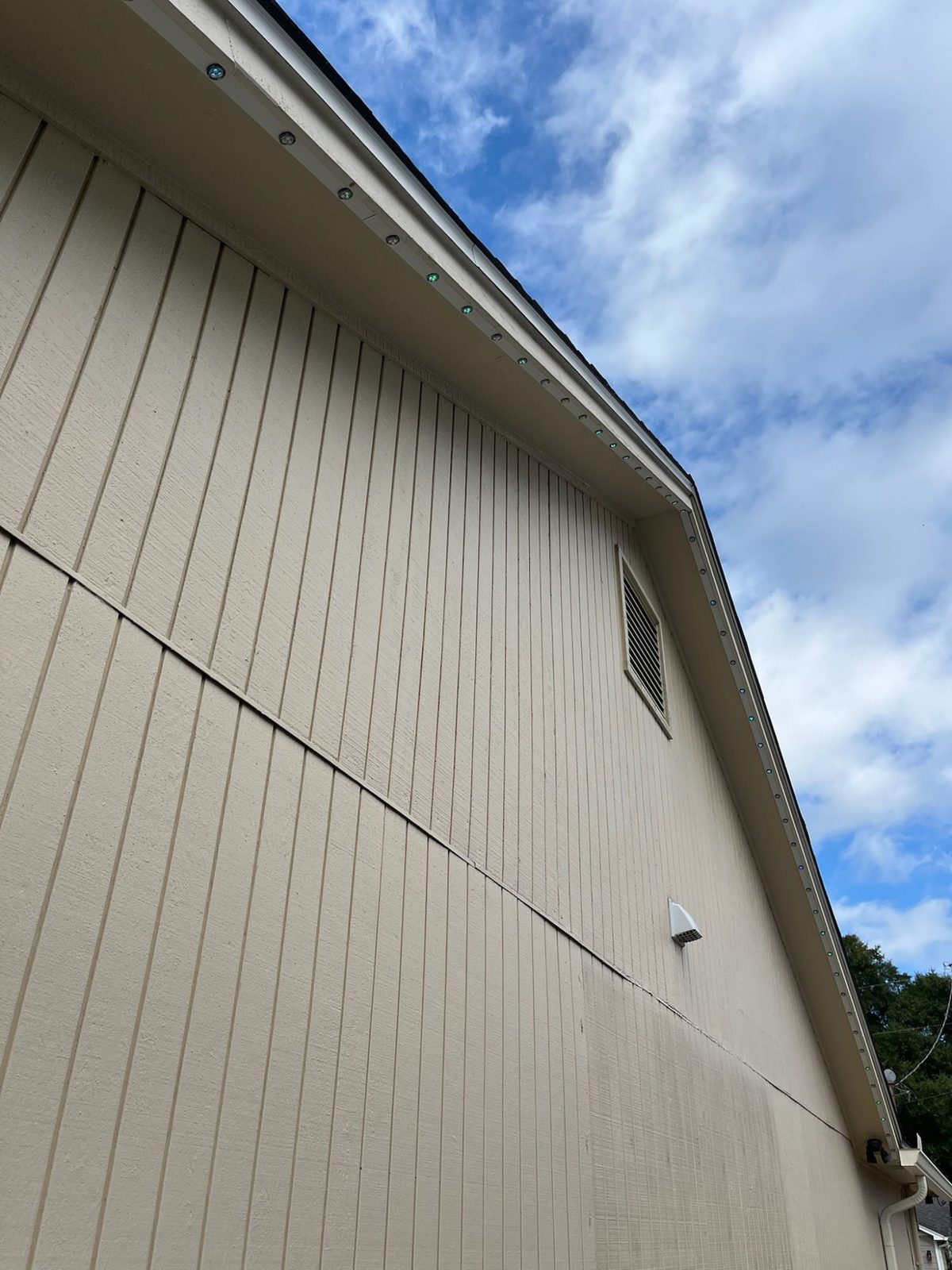
A gable by day: puck lights in white track follow the rake up to the peak and back down, with no wires showing.
C · Peaks

A gable peak

  1. Start at the peak. Miter the ends where the sides meet and install the backtrack on each side.
  2. Clip the lights in and work down the edges, each way.
  3. Finish at the far left or right, where the cable comes in, with every light in one line, male toward the controller. Cut the track and use single pucks as needed.
6 hrs

2 people · a typical 100 ft house with 4 channels and a gable roof

6 hrs

1 person · a 100 ft straight shot on a ranch-style home

2 people

recommended for running lights

What those hours pay: a typical 100 ft job at $20–$30 per foot.

Finish

Before you leave

Run through this with the lights on.

  • Every run lights end to end on RED, GREEN, BLUE and WHITE, with no dim or warm far end.
  • IDENTIFY lights each channel where your plan says it should (channels).
  • Light counts are right, and zones are named (zones).
  • Waterproof plug on the last light of every run, and end caps on.
  • Every hole sits under track; no wires or screws show.
  • The controller is on the home Wi‑Fi (connect).
  • Take a photo of the labeled cables at the controller.
  • Installing for someone else? Do the handover.