
The WLED-style controller you already want — with a real app.
Flash any ESP32 from your browser: 35 effects, zones, playlists, schedules and Alexa, run from a real iPhone, Android and web app. No account, no trial, no expiry.
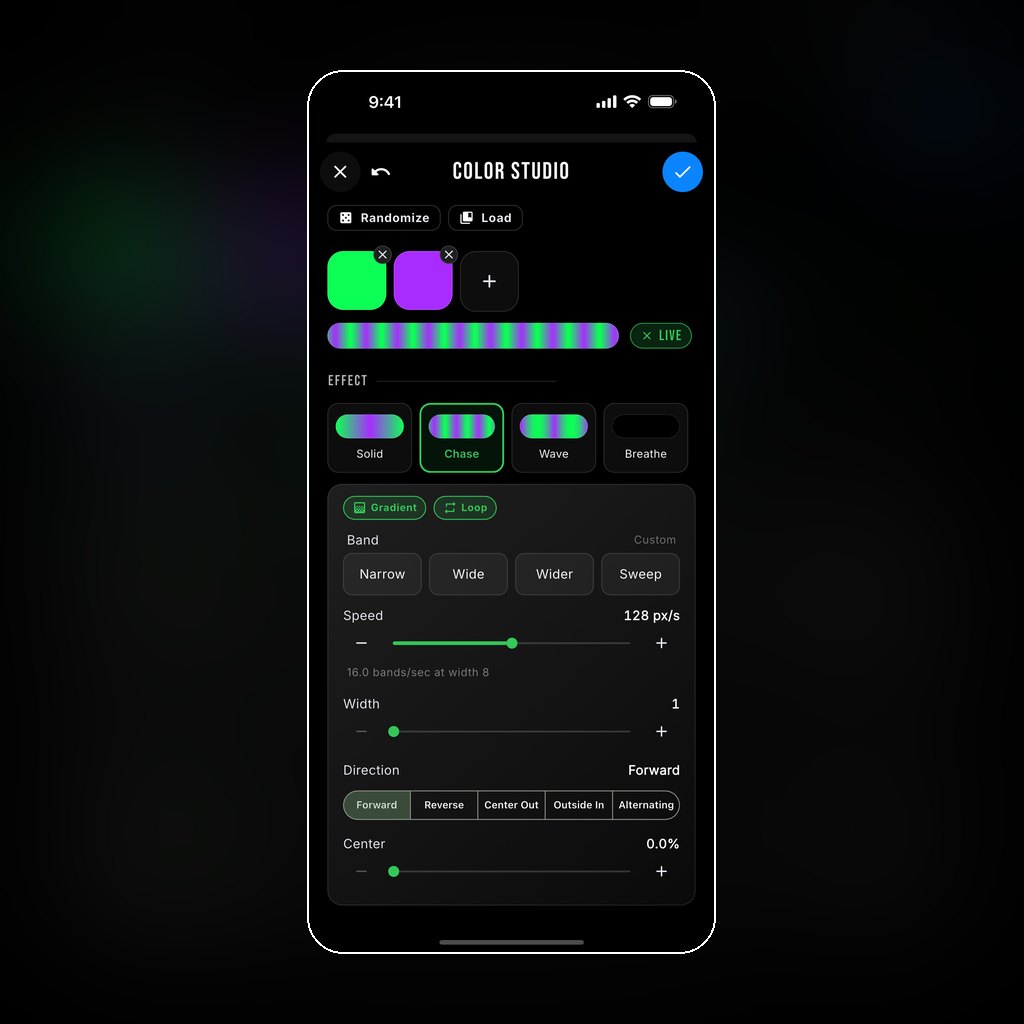
Same hardware. A completely different experience.
WLED gives you a web page and a list of preset numbers. Chameleon gives you a real app, a library with artwork, and your team’s colors.
A real app, not a web page
Native iPhone and Android apps plus a web app — not a settings page served off the controller. Drag a color and watch the roofline follow.
- Color Studio: colors and effects, live on the lights
- One-tap favorites on the home screen
- Playlists built from pictures, each with its own time
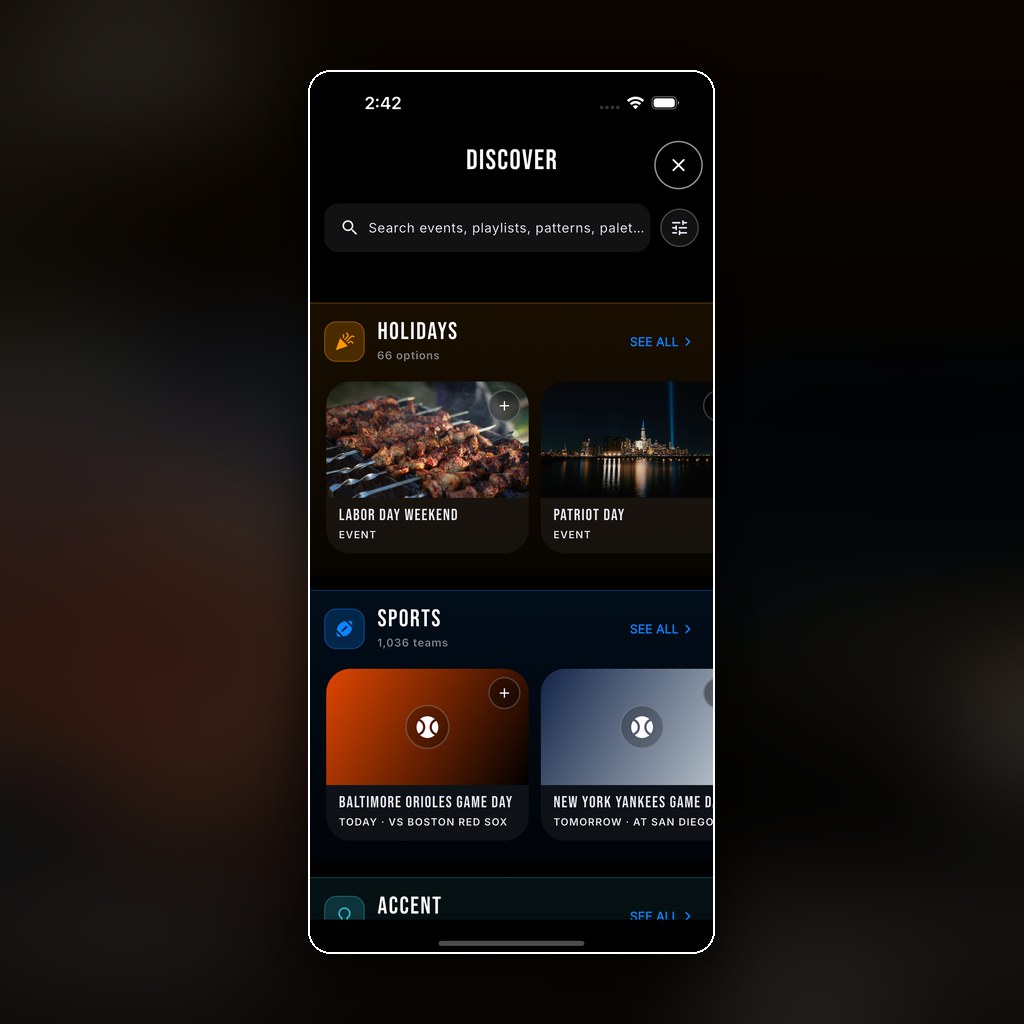
A community library, with artwork
Thousands of patterns, palettes and playlists, including ones other users publish — each with artwork, so you choose by looking. Preview any on your lights; keep a copy with a tap.
- Every holiday, season and mood
- Make your own in Studio
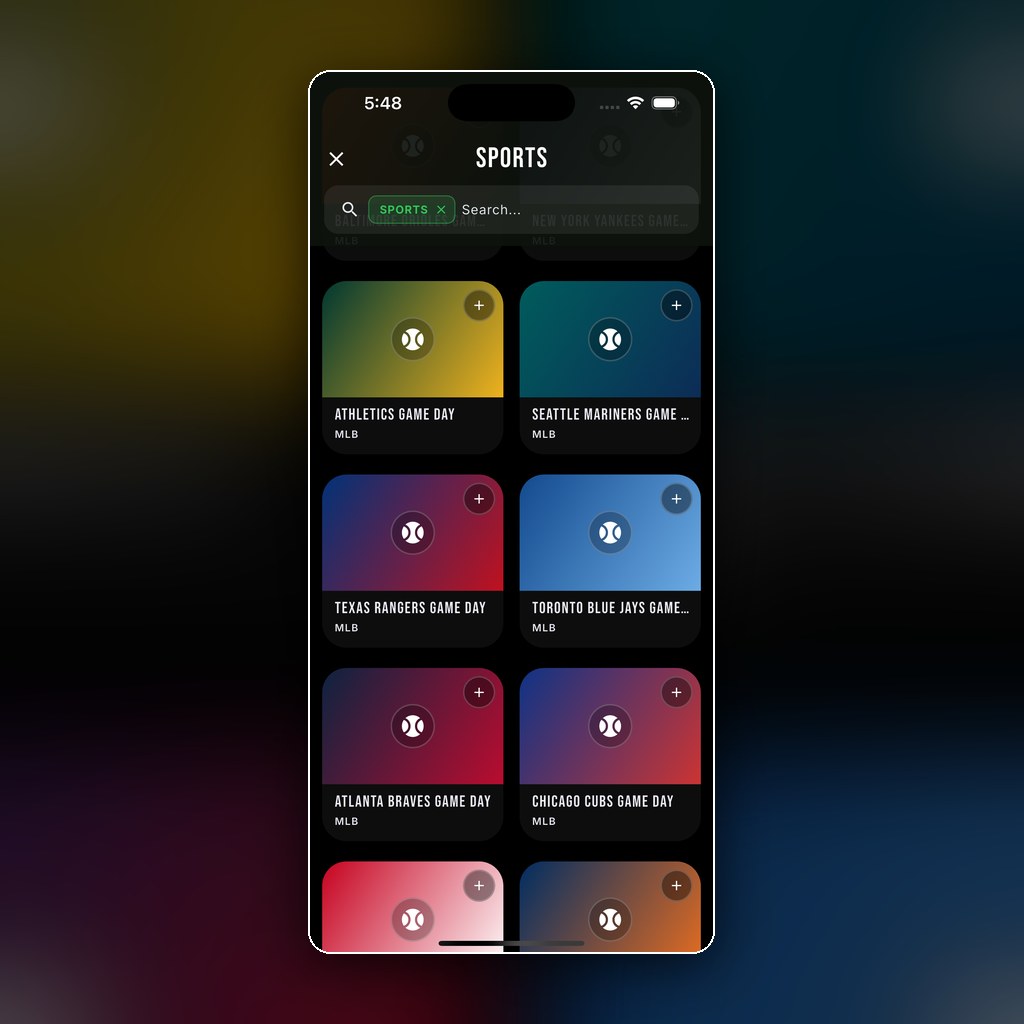
1,000+ teams, in their real colors
College and pro teams across the major leagues, colors already set up. No hunting for hex codes.
- A plan adds game days: on for kickoff, all season
Pick an effect. Pick a palette.
Eight of the 35 free effects. Every palette works with every effect.
Everything the controller does on its own
It runs on the chip, on your network, with or without the internet. Nothing here is a teaser.
| You want to… | Chameleon Free$0 |
|---|---|
| Find the controller with no account | |
| 35 effects, seen on the strip immediatelyChases, twinkles, fireworks, aurora and more — none held back | |
| SegmentsWe call them zones, and each can run on its own schedule | |
| Presets and playlists, one tap away | |
| Schedules on the deviceUp to ten, on the controller’s own clock — they run when the internet doesn’t | |
| “Turn off later”Stops at the content’s own off time, never an arbitrary countdown | |
| LED count, color order, true RGBW whitePer output; on SK6812 the white die is its own channel | |
| Config backup and restore | |
| Alexa, locallyHue emulation: on, off, brightness and color. No skill, no account | |
| Music-reactive effectsSix, fed by standard WLED AudioSync frames | |
| Local HTTP APISettings, control and live preview on your LAN | |
| Realtime streaming (DDP / xLights) | In testing |
| MQTT to your own broker | |
| A web page served by the controllerThe app is the interface — on iPhone, Android and any browser |
From a bare ESP32 to lights on the house
Plug in an ESP32
Original ESP32, 4 MB flash, on a data USB cable.
Flash from your browser
Chrome or Edge, about a minute. Nothing to download.
Join your Wi‑Fi
The same window puts it on your network.
Set it up in the app
Pick your board, set pixel counts and zones.
Tested controllers
Pick one in the app and its outputs are already mapped:
QuinLED Dig-Uno
2 outputsQuinLED Dig-Quad
4 outputsWasatch Quad
4 outputsWasatch Advanced Eight
8 outputsAny other original ESP32 (4 MB) should work: choose Custom and set a GPIO per output — up to 8 outputs, 1,000 pixels each. GPIO 0 is refused. Got another board running? Tell us.
Lights
WS2812 / WS2811 (RGB) and SK6812 (RGBW), tested on real strip from any maker. Set per output, so roofline and pool cage can differ.
All six color orders; 3000 K, 4000 K or 5000 K white.
Questions people actually ask
Is it a trial, or held back?
Neither. No clock, no nag, every effect and the 5,282-item library. It’s the firmware we ship on our own installs; cloud features come from a certificate, not a reflash.
What does a plan add?
Scheduling the controller can’t compute alone: moving holidays, sunset timing, game days, Rain Lights and remote control. Add it anytime — same board, nothing reflashed. What a plan adds · Free vs plan.
Is a plan a subscription?
Yearly is: $24.99 a year for your account (up to 5 controllers), with a 10-day free trial, sold in the app through Apple or Google. It renews automatically; cancel anytime (terms). Lifetime is $149.99 once. Local Wi‑Fi control stays free.
Can I sell installs on the free firmware?
Yes, with no dealer agreement or fee. See Become an installer.
What do you collect when I flash it?
Nothing. No account, no sign-in. See our privacy policy.
The free firmware comes with no warranty
It’s free, unrestricted and entirely at your own risk.
Read the full no-warranty terms
The firmware is provided “as is”, without warranty of any kind, express or implied, including any warranty of merchantability, fitness for a particular purpose or non-infringement. We do not warrant that it is free of defects or that it will run without interruption on your hardware.
To the fullest extent permitted by law, Chameleon Lighting is not liable for any damages arising from your use of the free firmware — direct, indirect, incidental, special, consequential or otherwise. That includes damage to controllers, LEDs, power supplies or other equipment, damage to your property, lost data or settings, and any cost of repair or replacement.
You are responsible for the installation. Wiring, power supply sizing, fusing, weatherproofing, mounting, working at height and compliance with local electrical and building codes are yours. Low-voltage lighting still starts fires when it is wired badly. If you are not confident doing this work, have an electrician do it.
Flashing erases the board. Whatever was on it, including its saved settings and any cloud certificate, is gone. Do not flash a controller you cannot afford to reconfigure.
Some jurisdictions do not allow the exclusion of certain warranties or the limitation of certain damages, so parts of this may not apply to you.
This covers the free firmware download only. Systems we install and DIY kits bought from us carry our 3-year hardware warranty.
Rather we did the whole thing?
We install permanent lighting end to end, with a lowest price guarantee — or pick up a DIY kit.