Your lights just got a lot smarter
Chameleon 3.0 — and it is free, for life, on your system
Free. For life. On us.
Every home we have already installed gets the full Chameleon 3.0 experience at no charge.
You bought these lights before any of this existed. You are the reason it does. So there is no subscription, no upgrade fee and no new hardware to buy — the controller already on your house does all of it, once we update its firmware.
Zones — your house is not one light
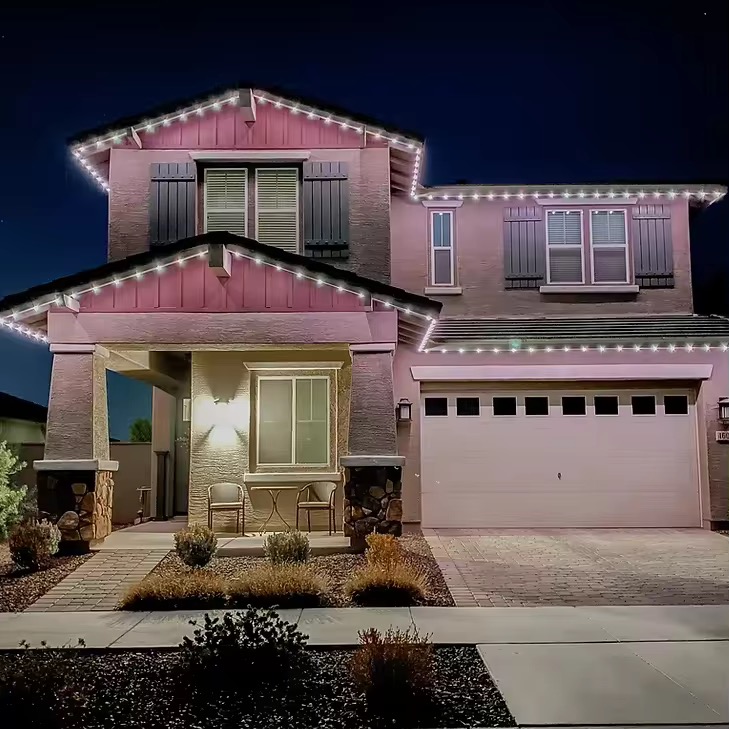
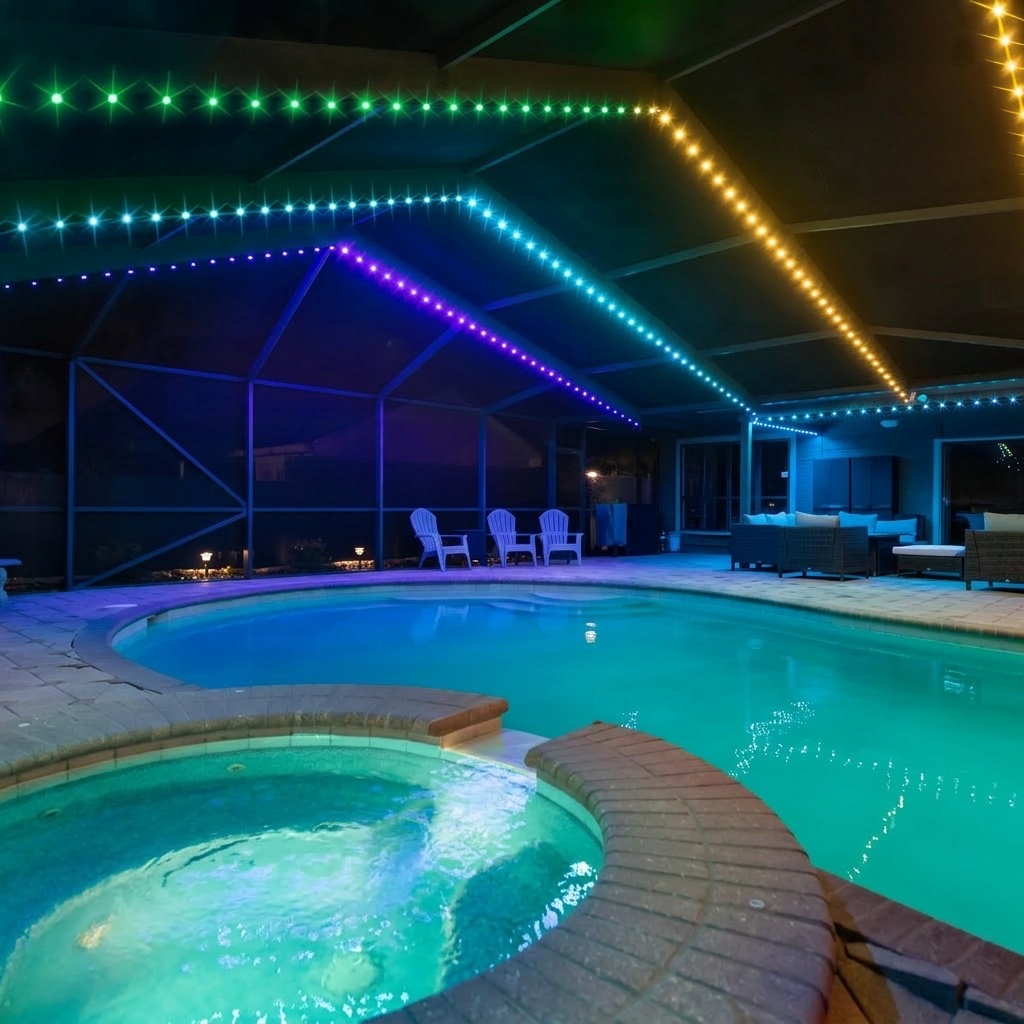
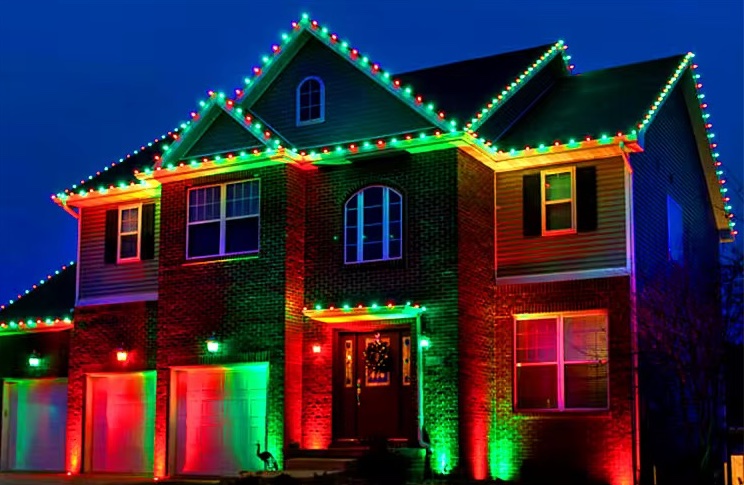
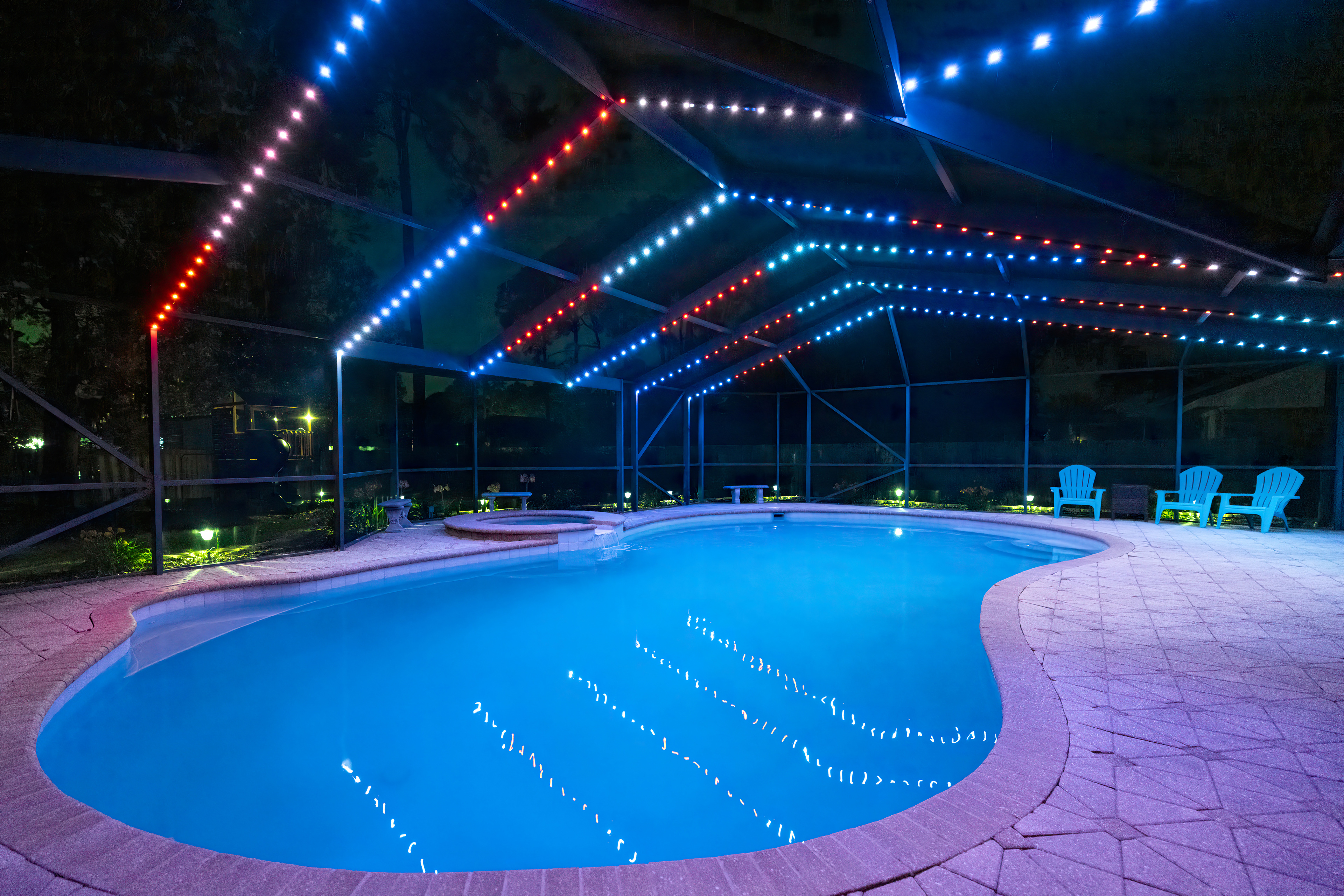
Split the property into zones — typically the front yard, the back yard and the pool enclosure — and each one runs something completely different at the same time.
Team colors across the front on game day while the pool enclosure stays on a slow blue fade. Christmas on the front yard and plain warm white out back. Orange and purple in front for the trick or treaters, with the back yard left bright enough to see by. One property, doing several things at once.
Control from anywhere
Your lights are no longer something you can only reach from the driveway. Land at the airport and turn them on before you pull in. Set the mood for the party from the grocery store. Turn everything off from a hotel room three states away. Every change syncs in real time, so what the app shows is what is actually on the house.
And if the internet goes down, the controller keeps running your whole schedule on its own. The cloud is how you reach the lights — it is not what runs them.
Game day, handled for the season
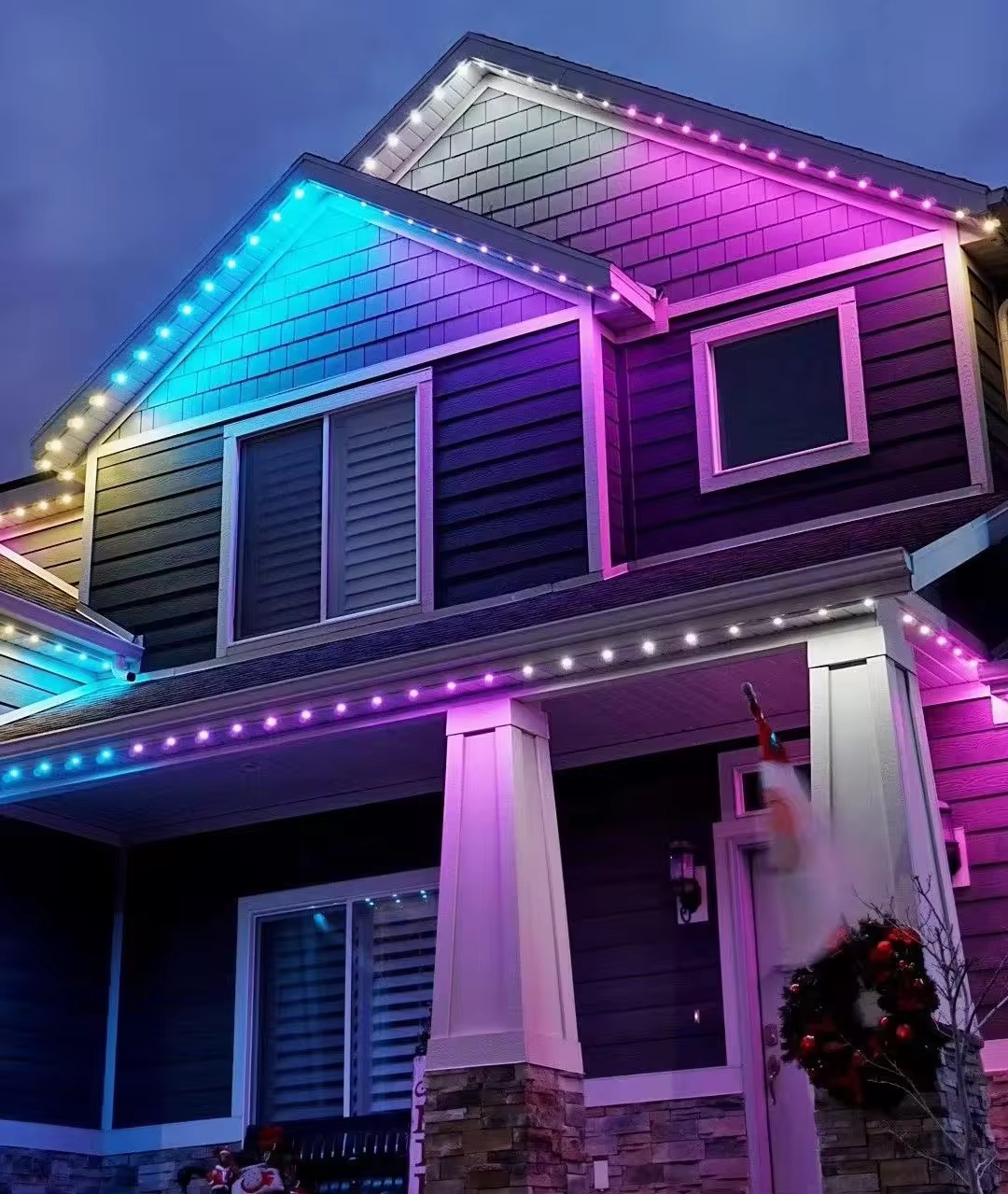
Follow your team once and you are done. Hundreds of college and professional teams are built in, in their real colors, and we track the actual published schedule — so a rescheduled game moves with it. No calendar to keep, nothing to remember on a Saturday morning.
Game days anchor to kickoff and offset from it, so the lights can come up five hours early for the tailgate and run three hours past the whistle. Set it once; it holds for every game of the season, whatever time each one starts.
Holidays work the same way — including the ones that move. Thanksgiving, Easter, Memorial Day, Mother's Day: they land on a different date every year, and the lights find them anyway. Pick a holiday once and it is on the right days for as long as you own the house.
One home, shared — from anywhere
Sharing the lights used to mean sharing the Wi‑Fi: whoever was standing in the house could change them, and nobody outside it could. Now the house itself has an account. Invite your spouse, your kids, the house sitter — each of them controls it from their own phone, from the office, from campus, from a hotel.
And it is genuinely one home, not just several remotes. The calendar, the palettes, the playlists and every controller on the property belong to the household rather than to one phone or one box — so when somebody adds Thanksgiving, it is there on everyone's screen. Add a second controller for the back yard or the detached garage and it joins the same house, on the same calendar. Invitations are by name, and you can pull one back the day the house sitter goes home.
Thousands of scenes, already made
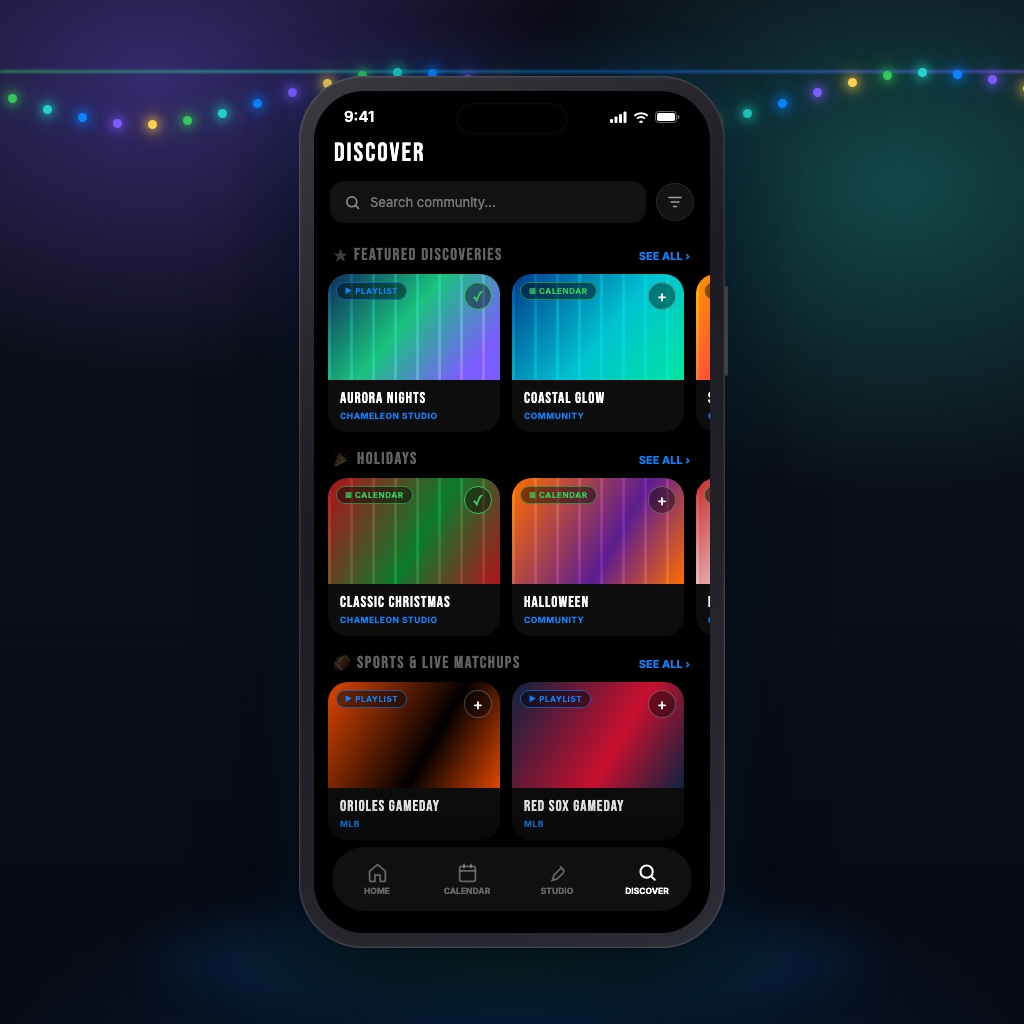
Every major holiday, hundreds of teams, and a whole shelf of everyday accent and ambient looks — built in, and growing as the community shares more. Add anything with one tap.
Nothing you add is locked. Change the colors, change the timing, or build your own from scratch and share it back if you want to. What is on your house is yours.
A much bigger toolbox — and it listens
There are more than thirty effects now, fourteen of them new in this release: flowing palettes, aurora, ocean waves, melts, glitter and more. Alongside them, over a thousand ready-made color palettes — every team, every holiday, and a deep bench of everyday looks — with your own on top of that.
And the lights can move to music. Put a song on and the house picks up the beat, the volume and even the notes — a spectrum across the roofline, a pulse on the columns, colors that change on the downbeat. It is the single best party trick the system has.
And the rest of it
Everything else in the release.
-
One-tap favorites
The looks you reach for most — the security lights, the party colors — sit on the home screen. One tap puts them up, even if the lights are off.
-
See the whole year
A real calendar, not a list. Look at the month and see exactly which nights are spoken for, what runs on each one, and where the gaps are — then tap a day to change it.
-
Light-by-light control
Turn individual lights on or off anywhere on the run. Skip the ones over a window, black out a section you never liked lit, or pick out every third light for a completely different look — without touching a wire.
-
Build your own
Pick an effect, set the speed and brightness, choose your colors, and see it before it ever hits the house.
-
Sunset and sunrise, with offsets
Anchor to sundown or first light instead of a fixed hour, then offset from it: an hour before sunset, twenty minutes after. The times shift with the season on their own.
-
Everything is backed up
Your schedule, your colors and everything you have built live in the cloud, not on one controller. Replace a controller, change phones, add a device — it all comes back exactly as you left it.
-
Updates itself
New effects, new features and fixes arrive over Wi‑Fi on their own. No cables, no ladder, nothing to download. Your lights keep getting better after we leave.
-
iPhone, Android and web
The same app on all three. Sign in from a laptop when your phone is dead.
-
Works without us
The controller holds your whole calendar and runs it on your own network, internet or no internet.
What happens next
Two things, and only one of them is yours.
- We update your controller. Some systems can be updated remotely; others need us to stop by with a cable. We will be in touch to sort out which yours is and, if it needs a visit, to find a time. Either way your lights keep working in the meantime.
- You install the app and add your controller. It is free on the App Store, Google Play, or any web browser. Sign in, add the controller, and that is the whole of it — your system is already registered on our end, so adding it turns everything on this page on automatically. There is no code to enter and no invoice coming.
Nothing about your existing lights changes. Same house, same controller, same wire. If you have questions about your system specifically, just reply to the message that brought you here, or reach us below.
An American app, on American servers
The app, the cloud and the controller firmware were all written in Niceville, in the Free State of Florida. Your account, your schedules and the content you make are stored on Amazon Web Services in Ohio.
There is no analytics, advertising or crash-reporting software in the app — no ad networks, no attribution trackers, nobody buying your behavior. We do not sell your data. What we do collect, and why, is written out plainly in the privacy policy.